Category Archives: Phil

Phil 1.18.12

8:30 – 4:30 FP

    • Asked Dong to look at setting up the first pass of the chart applet using the potatoland.org/gl code as a possible foundation, since it seems to be the best example of working text overlays.
    • Getting openGL running in FLTK, then porting the hand
    • Got the CubeView program compiling and linking. To do this, I pointed the “additional include directories” to point to C:/FLTK/branch1.3, which has FL/ underneath it. Then I pointed the “additional libraries directories” to C:/FLTK/branch1.3/lib. The last thing I had to do was point at the proper libraries (note that these are debug directories):
      • glu32.lib
      • fltkgl.lib
      • fltkd.lib
      • wsock32.lib
      • comctl32.lib
      • opengl32.lib
    • Once I got the system running, there were piles of “PDB” warning messages (i.e. “‘C:WindowsSysWOW64ntdll.dll’, Cannot find or open the PDB file “). You can fix these by getting the debug symbol tables from microsoft:
      •  tools->options…
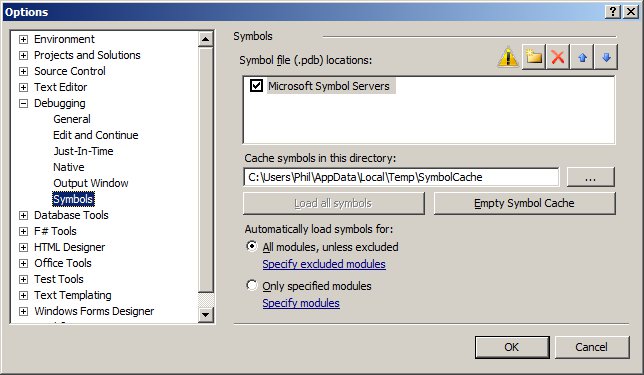
        • Choose Debugging->Symbols from the list, then check “Microsoft Symbol Servers” then click OK and rebuild. Here’s a screenshot
    • Having an odd problem with setting the background color. I need to set the glClearColor() in the predraw, before every frame, otherwise it comes up as black. Not sure why.
      • Turns out that in FLTK GL windows, the graphics context is reset after things like a resize. THis means that the init code can’t be in the constructor, but rather needs to be in the draw function in the following way:
	drawUniverse(){
		if(!valid()){
			glEnv->init(w(), h()); 	// called when the context
						// has been (re)created
		}
		glEnv->predraw(w(), h());
		draw();
	}

Phil 1.17.12

8:00 – 5:00FP

  • Continuing on with collision detection
  • But first, I need to be able to see a text overlay. Looks like lwjgl has this with their Slick-Util lib. Ugh. This is getting harder than I was hoping….
  • Moving hand code over to MSVC, after installing updates
    • Building the debug and release dlls
  • Another take on 3D. This works in your iPhone: http://css-3d.org/. An example of a website that uses this is http://acko.net/. And there’s http://mrdoob.github.com/three.js/, also. It’s a JavaScript library that renders to WebGL or SVG
  • Getting Started with Three.js

Phil 1.16.11

8:00 – 3:30 FP

  • Working on getting the fingertip positions out of the modelview matrix
    • mat[12] = x
    • mat[13] = y
    • mat[14] = z
  • Added the ability to change colors in the hand and joints for Dong’s test. It didn’t work on his machine at home?
  • There is something odd about how the model view matrix is being affected by the fingers? Nope – just had the test transformations happening while the view transforms were still on the stack. So local to global coordinate transformations are working. That was *much* easier than I expected.
  • Building collision detection into sphere and box. Rather than reinventing the wheel, I’m going to see if I can use a library. Checking out bulletphysics.org, and the java implementation, JBullet

Phil 1.13.12

8:30 – 4:30 FP

  • Interview
  • Spent some time with Tom talking about sending data between two data dictionaries
  • Building a Finger on my way to building a RightHand
  • Hand graphics are done, now working on getting the fingertip positions in word coordinates.
  • Think I found it here: http://lwjgl.org/forum/index.php?action=printpage;topic=1866.0 My version of the code follows:
	protected float[] getGlMatrix4x4(int matrixId){
		float minv[]=new float[16];
		ByteBuffer temp = ByteBuffer.allocateDirect(64);
		temp.order(ByteOrder.nativeOrder());
		GL11.glGetFloat(matrixId, (FloatBuffer)temp.asFloatBuffer());
		temp.asFloatBuffer().get(minv);
		return minv;
	}
  • Need to test this on Monday
  • Cute thing for the day:

Phil 1.12.12

8:30 – 4:30 FP

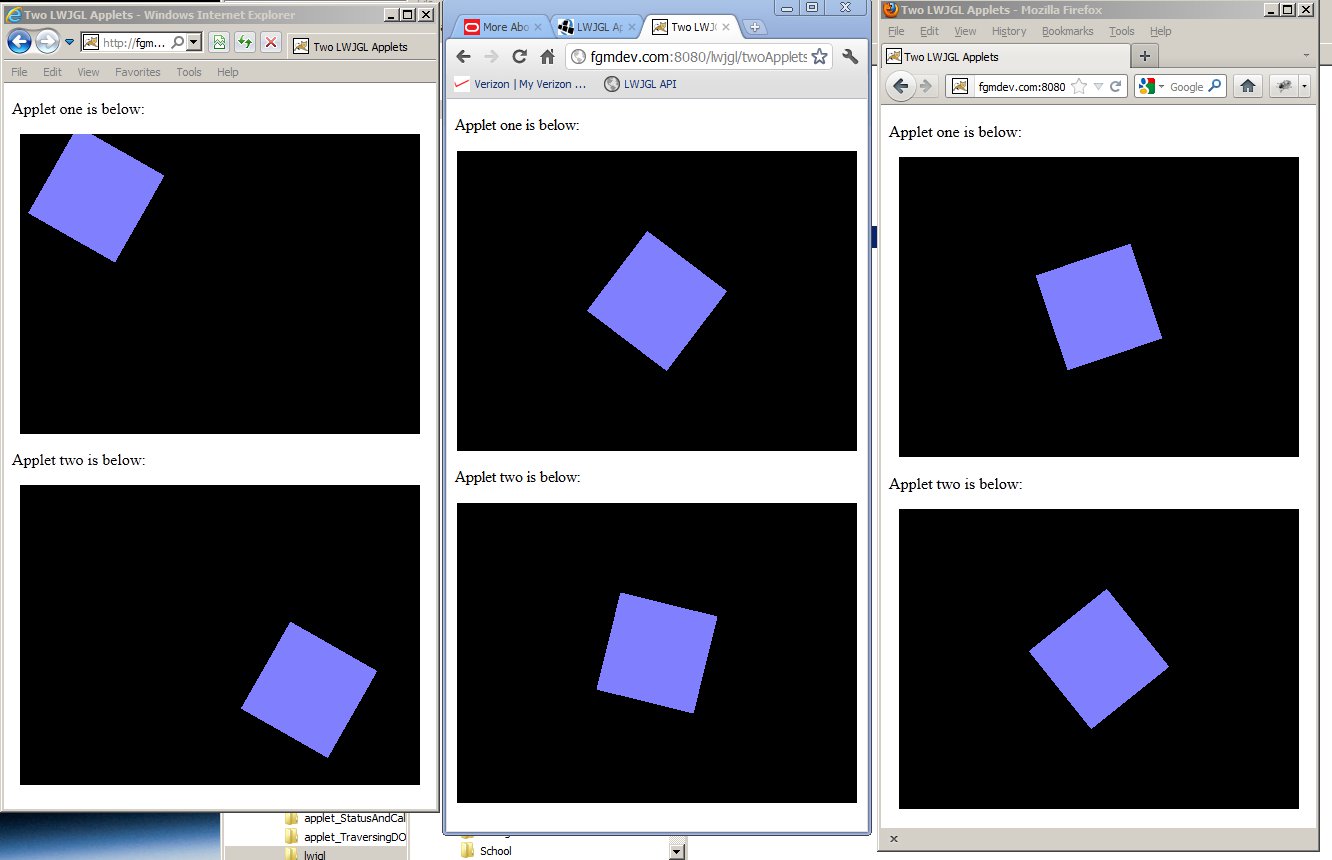
  • Talked to Dong about setting up a demo of communication between GWT and My test applet. Pleasantly enough, the JS2Applet webpage runs fine on Macs.
  • Cylinders and a hand next, then time to integrate with FLTK for the next couple of days.
  • MaterialCylinder is done
  • Hey! The Red Book is online! And the Blue Book. All at glprogramming.com under “links”. Nice site.
  • Put together a nicer applet for Dong. Starting on fingers now.

Phil 1.11.12

9:00 – 6:00 FP

  • Working on getting meshes working. I’m trying to use Matrix4f to position all the points. It’s tricky, but if I can get it to work, then I can get the inverse transform to provide me coordinates for collision detection in the world coordinate frame.
    • Just not getting there. Going back to basic formulas. Sigh. We loves the Wolfram, though.
  • Adding mouse interaction
  • Added a stage.
  • Added spheres. There is a problem where 16 divisions causes a null exception, but 18 does not. Need to check that out.
  • Cylinders tomorrow
  • Cool picture for the day:

Phil 1.10.12

8:00 – 4:00 FP

  • Hmmm. THis didn’t post yesterday. Odd.
  • Tom did not check in his work from last night. Waiting for a 9:00 show?
  • Porsche at 10:30
  • Worked on Command, Response and State. Also put together an example of Decision Process code in the base Controller class

Phil 1.9.12

8:30 – 5:00 FP

  • Onward with shaders…
  • Building a torous
  • Checking out FLTK from here: https://svn.easysw.com/public/fltk/fltk/branches/branch-1.3
  • Started on getting Tom’s code to work.

Phil 1.6.12

8:30 – 430 FP

  • Just for kicks, looking for Arduino communication from Java, basically ’cause I don’t want to fry my brain switching gears to C++ if I don’t have to.
  • From http://www.arduino.cc/playground/Interfacing/Java:
    • The Arduino IDE itself is written in Java, and it can communicate to the serial port via the RXTX Java library. That library is very similar to the Java Communications API extension. Internally the IDE remembers which port and baud rate you used last time. Unfortunately that internal implementation can not be considered public API you can reliably use. So you will have to keep your own settings to remember which COM port your Arduino card is using.
    • Getting the Arduino IDE for windows: http://arduino.cc/en/Main/Software
    • Following along with the “Getting Started” instructions pointed to by the IDE. IN my case, they are installed with the software from the above step at file:///C:/Arduino%20IDE%20distros/arduino-1.0/reference/Guide_Windows.html
  • Installed Visual Studio – that took a while…
  • Working on hand modelling

Phil 1.5.12

8:30 – 4:30 VISIBILITY

Phil 1.4.12

8:30 – 4:30 VISIBILITY

  • Internet access is *slow* today.
  • Tried to get ahold of Clif today to see what I should be doing. No luck yet.
  • Deployed the lwjgl war to our servers. All seems to be working well.
  • Working on shaders.

Phil 1.3.12

8:30 – 4:30 VISIBILITY

  • My timesheet’s not working. Sent Sally a note with a screenshot. Turns out the system is shut down for the week.
  • Going to document all the moving pieces of the system – done
  • Shader example for LWJGL: http://lwjgl.org/wiki/index.php?title=GLSL_Shaders_with_LWJGL
    • I think the shaders are going to have to be stored as assets in the jar file? Or maybe deployed in the war?
    • Got the shader code working. That was easy. Not messing with making it an applet yet – I’m going to work on making some more sophisticated shaders. Starting here: http://www.lighthouse3d.com/tutorials/glsl-tutorial/
  • A physics library. How cool: http://jbullet.advel.cz/
  • And a 3D engine: http://www.jpct.net/index.php That also works in applets.
  • Installed RenderMonkey 1.82 for shader work.
  • Charge 32.5 hours to leave on this timesheet!
  • Trying to check in the sandbox project, but SVN isn’t asking for my password and as such, failing. Grrrr. Fixed.
    • The correct SVN client for Indigo (Eclipse 3.7) is the one that is can be reached at “Indigo – http://download.eclipse.org/releases/indigo” in the “Install New Software” dialog. Select the “Collaberation” component and get the SVN pieces. I installed the following:
      • Subversive SVN JDT Ignore Extensions (Optional)(Incubation)
      • Subversive SVN Team Provider (Incubation)
    • And that seems to work. I now have two SVN view categories that I have to choose between but I’m afraid to uninstall.

Phil 1.2.12

8:30 – 4:30 VISIBILITY(?)

Phil 12.30.11

  • 8:30 – 4:30 VISIBILITY
    • Going through the LWJGL tutorials here.
    • Got a window test up and running with keyboard interaction and (fast!) animation.
    • Added Applet capability to the above. It runs in the Eclipse Applet viewer. Now I need to get it to run in Tomcat…
    • Sun/Oracles Applet development examples
    • Deploying with the LWJGL Applet Loader 1 – Basics
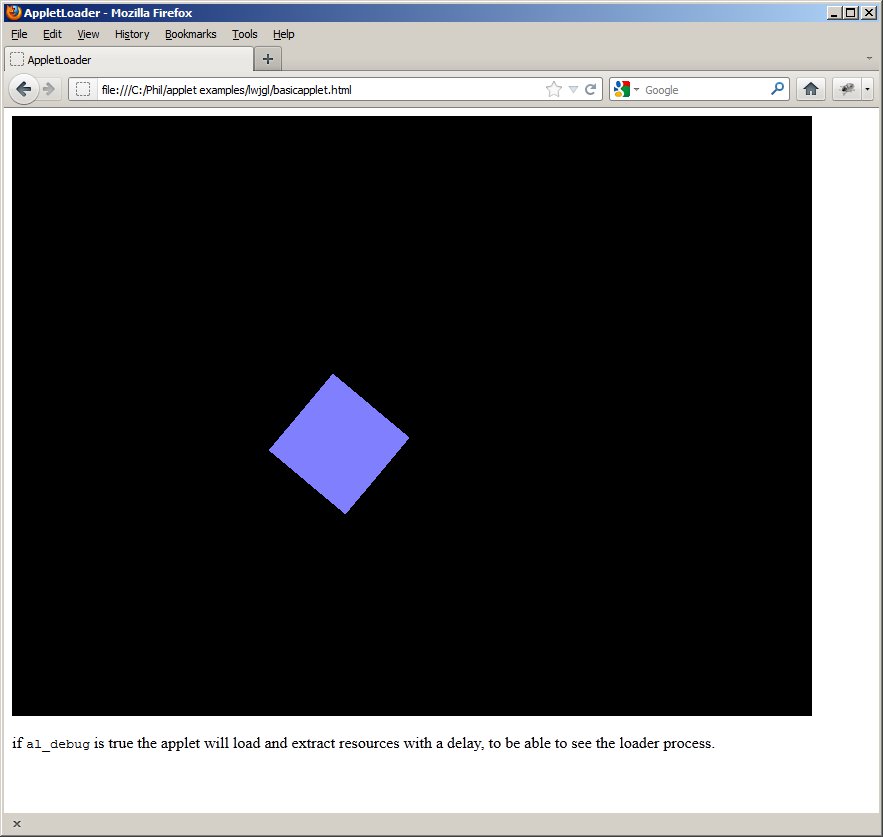
    • Success! Using basicapplet.html in Phil/applet/lwjgl folder. Need to look at how to send data between the wrapper and the 3D app, since it’s going through the lwjgl applet wrapper.

Phil 12.29.11

8:00 – 4:00 VISIBILITY

  • Working through the C3DL tutorials
  • Looking for a good tutorial on doing JavaScript with eclipse and not having the best of luck.
    • Neat, somewhat related tool: http://www.ixedit.com/
    • Eclipse is building a web-based IDE for JavaScript called Orion. We need to keep an eye on this.
  • Mike tried getting jebGl to work on site but only got a big scary core dump. After pondering, I’m thinking that a valid direction would be to have our charting running in Applets that handle J3D, and the user interface is all GWT. Applets and JavaScript can talk to each other, so the communication shouldn’t be a bif deal. It’s possible that we could put some declarative xml together that would allow GWT to feed a chart template to a general purpose applet, so we could have a high-lever interface defining the presentation and interaction. Next steps are:
    • A lightweight “Hello World” 3D Applet that we can attempt to deploy. We can use Applet rather than JApplet, since we won’t have any GUI overhead.
      • Probably going to use LWJGL, since it’s been good to me in the past.
    • A web page that has JavaScript talking to our applet