Category Archives: Phil

Phil 1.25.12

8:30 – 5:30  FP

  • More on the HandControlUi and RightHand proper.
  • Added a clock to calculate elapsed time between frames for physically-based modeling.
  • Got the basics of the hand working, but I need to rework the eyepoint/model control. Adding a popup menu to select the mode.
  • This is a great source for FLTK coding examples (Erco’s FLTK Cheat Page)
  • Done with the popup menu
  • Adding the matrix analysis to get the position  of the fingertips. Done for one finger. Need to add methods to store and access all the position information. May need orientation. If so then I could subtract the position from the current matrix, then multiply a vector by the resulting matrix.

Phil 1.24.12

8:30 – 2:30

  • Well, I was hoping to use the MODELVIEW_Matrix to determine the orientation vector of the camera, but no luck. Time for classical spherical coordinate transforms. Transposing Y and Z, since OpenGl likes to have Y as the up vector.
    • phi = angle from vertical, theta = angle from x axis
    • z = cos(theta)*sin(phi)
    • x = -sin(theta)*sin(phi)
    • y = cos(theta)
    • And that is now working. Note that we had to multiply the x component of the view vector by -1.
  • Oooo – new shader book: http://www.packtpub.com/opengl-4-0-shading-language-cookbook/book
  • Started on the HandControlUi fltk class.

Phil 1.23.12

8:30 – 5:30 FP

  • Fixing up a few things with eyepoint control, then adding the hand
  • Got sidetracked about adding text overlay capability. Also, to truly make the eyepoint controls work, the eye vector needs to be transformed by the view matrix rotational component
  • Big lesson of the day – if you declare a static variable in the header file, you must reference it outside the methods in the .cpp file. But Dprint() is now working as an overlay!
  • Filled out paperwork for Clif’s project, looks like there is progress.

Phil 1.20.12

8:30 – 5:30 FP

  • Since I have to change my insanely long FGM password, I swing by the customer to check all my passwords. They won’t need changing for a while. Looks like FGM’s password schedule is now at a different frequency. More stuff to remember. I think it’s crowding out the calculus.
  • Working on the Fl_GL_Window extension (Gl_View_Window) that will handle the drawing of all the items in the universe. Got the callback working nicely.
    • Add mouse functions for world and camera control – mostly done.
  • Working out how to set up callbacks using Fluid. Remarkably, it seems to be making sense.

Phil 1.19.12

8:30 – 4:30 FP

  • Gave Dong my copy of the OpenGl Superbible so he can have a good grounding
  • Set up a window in Fluid that has all the pieces needed for display and testing
  • Figure out timers in C++ (FLTK?) and incorporate. Working, though I can’t get a callback to work inside of a class. I may need to go to FLTK 3.0? Downloading and testing. Nope, doesnt work.
  • The way you do callbacks with classes is to have the callback be static. You pass the “this” address of the class in so that you can work with the class that is active at the moment. This is covered in detail here: http://www.fltk.org/articles.php?L379+I0+TFAQ+P1+Q, which is from the generally useful http://www.fltk.org/articles.php?L+TFAQ

Phil 1.18.12

8:30 – 4:30 FP

    • Asked Dong to look at setting up the first pass of the chart applet using the potatoland.org/gl code as a possible foundation, since it seems to be the best example of working text overlays.
    • Getting openGL running in FLTK, then porting the hand
    • Got the CubeView program compiling and linking. To do this, I pointed the “additional include directories” to point to C:/FLTK/branch1.3, which has FL/ underneath it. Then I pointed the “additional libraries directories” to C:/FLTK/branch1.3/lib. The last thing I had to do was point at the proper libraries (note that these are debug directories):
      • glu32.lib
      • fltkgl.lib
      • fltkd.lib
      • wsock32.lib
      • comctl32.lib
      • opengl32.lib
    • Once I got the system running, there were piles of “PDB” warning messages (i.e. “‘C:WindowsSysWOW64ntdll.dll’, Cannot find or open the PDB file “). You can fix these by getting the debug symbol tables from microsoft:
      •  tools->options…
        • Choose Debugging->Symbols from the list, then check “Microsoft Symbol Servers” then click OK and rebuild. Here’s a screenshot
    • Having an odd problem with setting the background color. I need to set the glClearColor() in the predraw, before every frame, otherwise it comes up as black. Not sure why.
      • Turns out that in FLTK GL windows, the graphics context is reset after things like a resize. THis means that the init code can’t be in the constructor, but rather needs to be in the draw function in the following way:
	drawUniverse(){
		if(!valid()){
			glEnv->init(w(), h()); 	// called when the context
						// has been (re)created
		}
		glEnv->predraw(w(), h());
		draw();
	}

Phil 1.17.12

8:00 – 5:00FP

  • Continuing on with collision detection
  • But first, I need to be able to see a text overlay. Looks like lwjgl has this with their Slick-Util lib. Ugh. This is getting harder than I was hoping….
  • Moving hand code over to MSVC, after installing updates
    • Building the debug and release dlls
  • Another take on 3D. This works in your iPhone: http://css-3d.org/. An example of a website that uses this is http://acko.net/. And there’s http://mrdoob.github.com/three.js/, also. It’s a JavaScript library that renders to WebGL or SVG
  • Getting Started with Three.js

Phil 1.16.11

8:00 – 3:30 FP

  • Working on getting the fingertip positions out of the modelview matrix
    • mat[12] = x
    • mat[13] = y
    • mat[14] = z
  • Added the ability to change colors in the hand and joints for Dong’s test. It didn’t work on his machine at home?
  • There is something odd about how the model view matrix is being affected by the fingers? Nope – just had the test transformations happening while the view transforms were still on the stack. So local to global coordinate transformations are working. That was *much* easier than I expected.
  • Building collision detection into sphere and box. Rather than reinventing the wheel, I’m going to see if I can use a library. Checking out bulletphysics.org, and the java implementation, JBullet

Phil 1.13.12

8:30 – 4:30 FP

  • Interview
  • Spent some time with Tom talking about sending data between two data dictionaries
  • Building a Finger on my way to building a RightHand
  • Hand graphics are done, now working on getting the fingertip positions in word coordinates.
  • Think I found it here: http://lwjgl.org/forum/index.php?action=printpage;topic=1866.0 My version of the code follows:
	protected float[] getGlMatrix4x4(int matrixId){
		float minv[]=new float[16];
		ByteBuffer temp = ByteBuffer.allocateDirect(64);
		temp.order(ByteOrder.nativeOrder());
		GL11.glGetFloat(matrixId, (FloatBuffer)temp.asFloatBuffer());
		temp.asFloatBuffer().get(minv);
		return minv;
	}
  • Need to test this on Monday
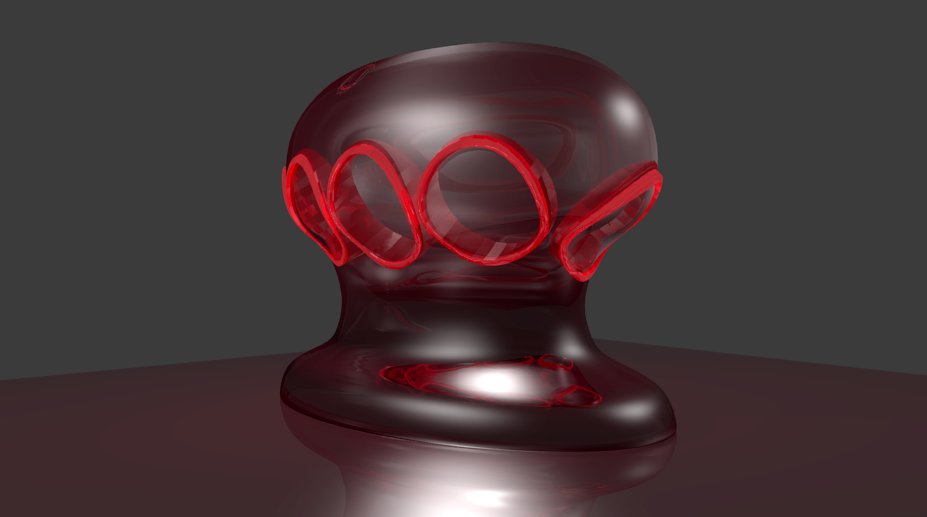
  • Cute thing for the day:

Phil 1.12.12

8:30 – 4:30 FP

  • Talked to Dong about setting up a demo of communication between GWT and My test applet. Pleasantly enough, the JS2Applet webpage runs fine on Macs.
  • Cylinders and a hand next, then time to integrate with FLTK for the next couple of days.
  • MaterialCylinder is done
  • Hey! The Red Book is online! And the Blue Book. All at glprogramming.com under “links”. Nice site.
  • Put together a nicer applet for Dong. Starting on fingers now.

Phil 1.11.12

9:00 – 6:00 FP

  • Working on getting meshes working. I’m trying to use Matrix4f to position all the points. It’s tricky, but if I can get it to work, then I can get the inverse transform to provide me coordinates for collision detection in the world coordinate frame.
    • Just not getting there. Going back to basic formulas. Sigh. We loves the Wolfram, though.
  • Adding mouse interaction
  • Added a stage.
  • Added spheres. There is a problem where 16 divisions causes a null exception, but 18 does not. Need to check that out.
  • Cylinders tomorrow
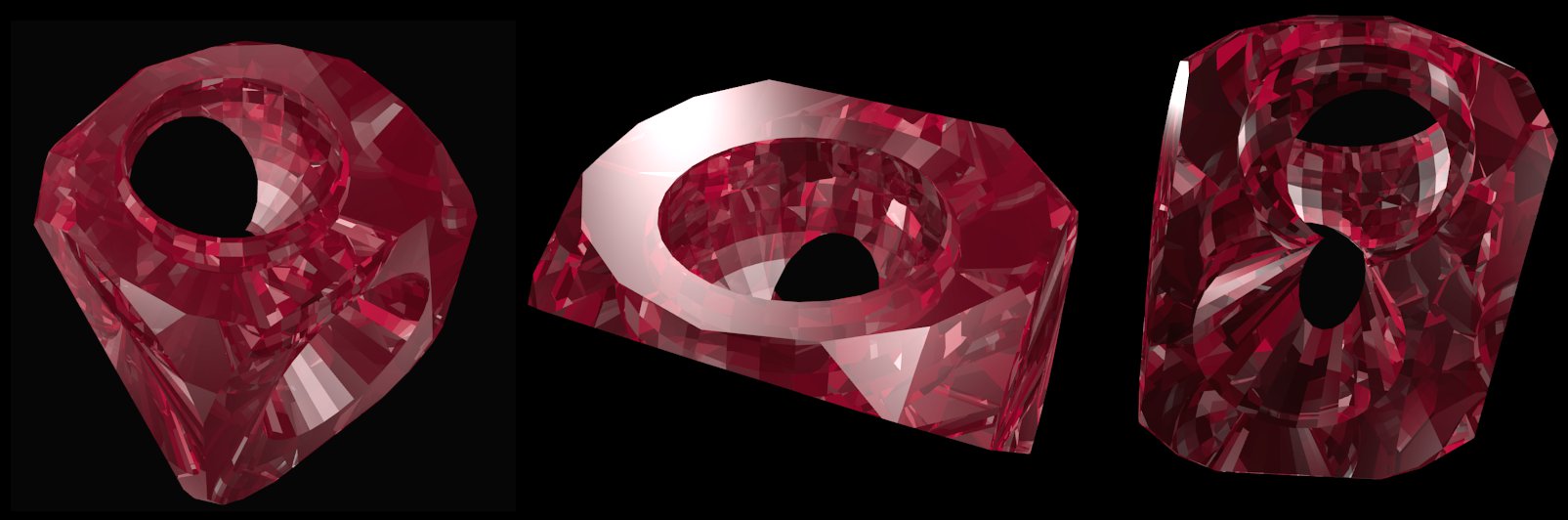
  • Cool picture for the day:

Phil 1.10.12

8:00 – 4:00 FP

  • Hmmm. THis didn’t post yesterday. Odd.
  • Tom did not check in his work from last night. Waiting for a 9:00 show?
  • Porsche at 10:30
  • Worked on Command, Response and State. Also put together an example of Decision Process code in the base Controller class

Phil 1.9.12

8:30 – 5:00 FP

  • Onward with shaders…
  • Building a torous
  • Checking out FLTK from here: https://svn.easysw.com/public/fltk/fltk/branches/branch-1.3
  • Started on getting Tom’s code to work.

Phil 1.6.12

8:30 – 430 FP

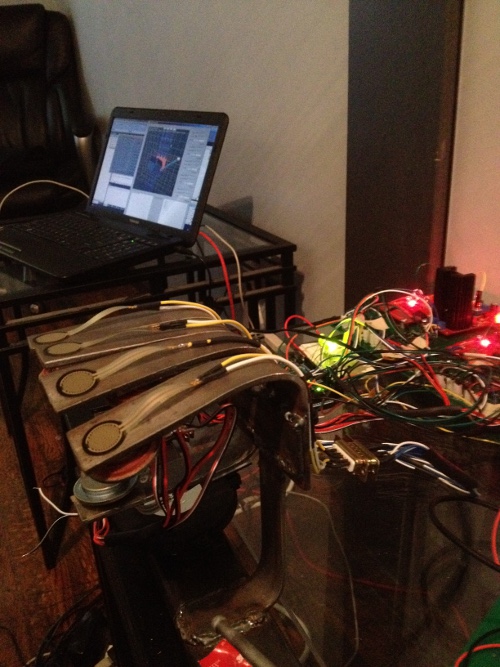
  • Just for kicks, looking for Arduino communication from Java, basically ’cause I don’t want to fry my brain switching gears to C++ if I don’t have to.
  • From http://www.arduino.cc/playground/Interfacing/Java:
    • The Arduino IDE itself is written in Java, and it can communicate to the serial port via the RXTX Java library. That library is very similar to the Java Communications API extension. Internally the IDE remembers which port and baud rate you used last time. Unfortunately that internal implementation can not be considered public API you can reliably use. So you will have to keep your own settings to remember which COM port your Arduino card is using.
    • Getting the Arduino IDE for windows: http://arduino.cc/en/Main/Software
    • Following along with the “Getting Started” instructions pointed to by the IDE. IN my case, they are installed with the software from the above step at file:///C:/Arduino%20IDE%20distros/arduino-1.0/reference/Guide_Windows.html
  • Installed Visual Studio – that took a while…
  • Working on hand modelling

Phil 1.5.12

8:30 – 4:30 VISIBILITY