Category Archives: Phil

Phil 6.15.12

7:30 – FP

  • Heading out early to go to the PAD lab and try printing out the mouse.
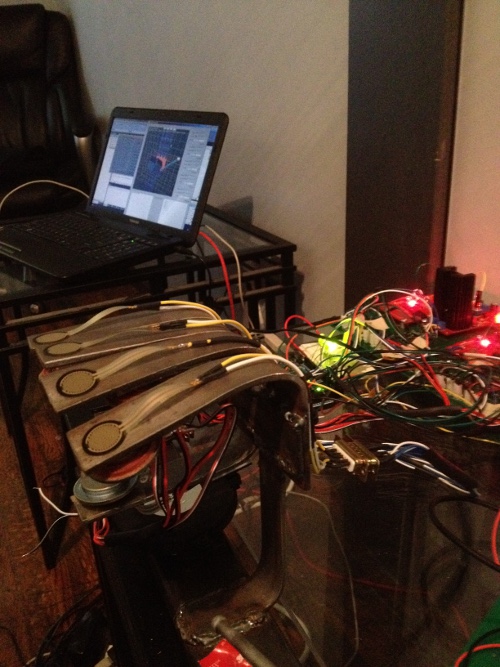
  • Updating sim and models on the laptop. Done, and hooked up to the hardware!
  • After talking to Tom for a bit, it looks like it might make more sense to buy a cheap deskside system and strip it for parts rather than buy the components.
Phil 6.14.12

9:00 – 4:30 FP

  • In a bit late due to dentist app’t.
  • Let’s see if we can learn how to slice geometry today!
    • It’s really easy. Select the object that you want to modify (in object mode), then click on the ‘Object Modifiers’ (crescent wrench) tab
    • Add a ‘Boolean’ modifier. It can be ‘Difference’ ‘Union’, or ‘Intersect’
    • Select the object that the first object will be modified by in the ‘Object’ Field
    • Click ‘Apply’ – That’s it!
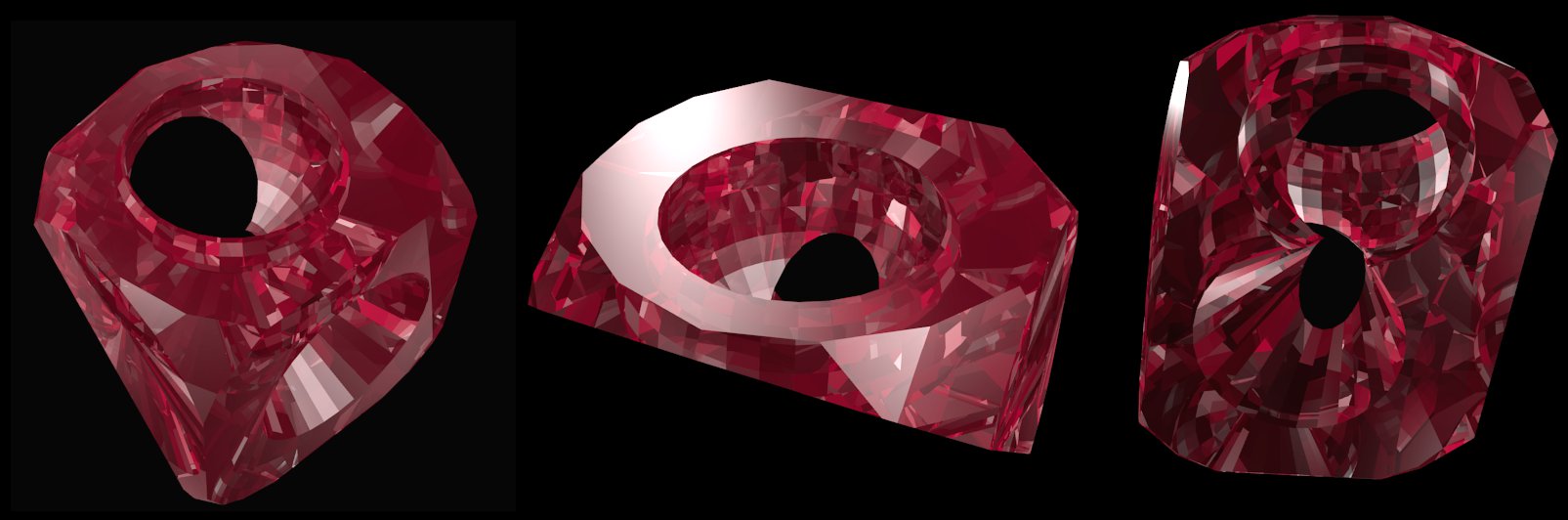
  • Next, let’s see if we can make some useful cuts in the mouse. Done! 
  • Useful link to Modifiers in Blender: http://wiki.tesnexus.com/index.php/An_introduction_to_Modifiers_in_Blender


Phil 6.13.12

8:00 – 5:00 FP

  • In prep for getting the mouse, I’m going add hand navigation to the demo.
  • Done. I added a “move model” choice in the Gl_ShaderWindo base class that sets a float[3] of the current desired(?) model XYZ. It’s up to the inheriting class to do something with it. In this case, I moved the hand origin in XZ space and left the position of the rotating cubes alone.
  • Checked in.
  • More modelling training

Phil 6.12.12

8:00 – 4:00 FP

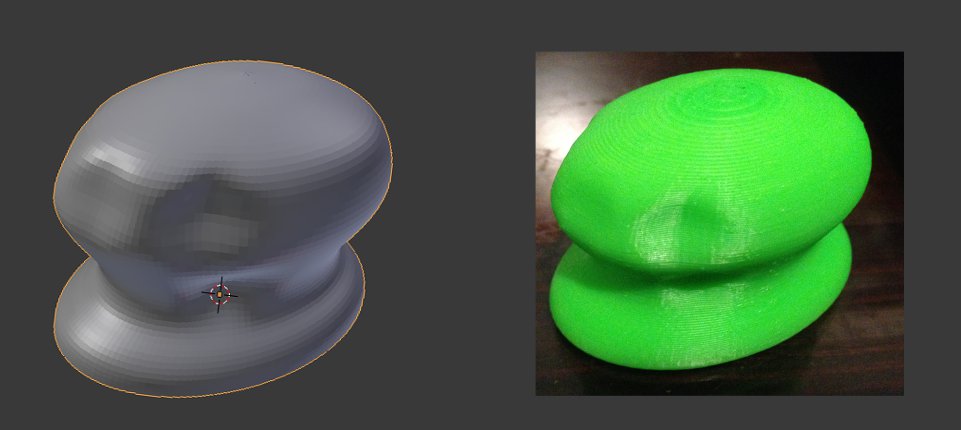
  • Was able to successfully print out the mouse yesterday. It printed “solid” in that it had structure on the inside to allow the piece not to collapse. I also wound up printing it at about 1/3 scale so that it only took an hour to print as opposed to six. Still, I’m pretty happy with the result. Below is the Blender version on the left and the MakerBot printout on the right:
  • Set up an account with Shapeways so that I can print out a more substantial model. And so that I don’t have to sit around for six hours waiting for something to print. Along the way, I learned why my mouse model was solid. You need to generate inner and outer walls and connect them. The printer doesn’t know how to handle printing two sides of a two-dimensional plane. This is controlled in Blender by detecting ‘Non-Manifold’ surfaces. If you find them, that means that the normals in that area are behaving oddly, and need to be fixed. Maya had a ‘clean up option, but blender doesn’t. Still working on how to completely fix a surface, though I do have it to the point what it looks pretty reasonable. We’ll see if Shapeways accepts it.
  • It was accepted, but came out as the wrong size. Trying to scale it now. Well, that seemed to work.
  • It’s now in the printing queue, and should be here by the 22nd!
  • Found the problem with the shape. There were edges *inside* the original shape that I rotated that were confusing the calculation of the normals. Next, time – delete those before rotating.
  • Made a fixed version and uploaded it to Shapeways.
  • Filled out AMPERE paperwork.
  • Make some dice. Done!

Phil 6.11.12

7:30 – 6:30 FP

Phil 6.8.12

8:30 – 12:30 ESSO

  • Moved the lab yesterday, so no notes.
  • Customer meeting:
    • Add a read-only admin user? I.e. one that can see everything, but can’t make changes
    • Need capability to print out/copy to clipboard the financial remediation. It sounds like these get included in reports
    • Comments aren’t being shown.
    • Make sure that most recent comments are on the top of the list, with date/time info
    • Unfunded Requests (UFRs) need to be downloadable. This can be done at two levels
      1. Add a link that points to a generic UFR Excel Spreadsheet
      2. Build a partially filled out UFR spreadsheet for the user to save.
    • Service Fincance POC name does not fill from dropdown selection. The field remains blank after the selection
    • Add banners like for VISIBILITY
    • Add regex for portion marking in all freeform text areas. Throw a fit if the portions are not marked.
    • Project Manager screen seems to load really slow sometimes. We might want to add something tat lets us see what it’s hanging on, but more importantly, add some loading animation so that the user doesn’t think the browser is hung.

12:30 – 5:30 FP

  • More Blender.
  • Got a meeting set up on Monday at 3:00 to learn how to use the MakerBot. Going to try to bring a file to attempt to print.
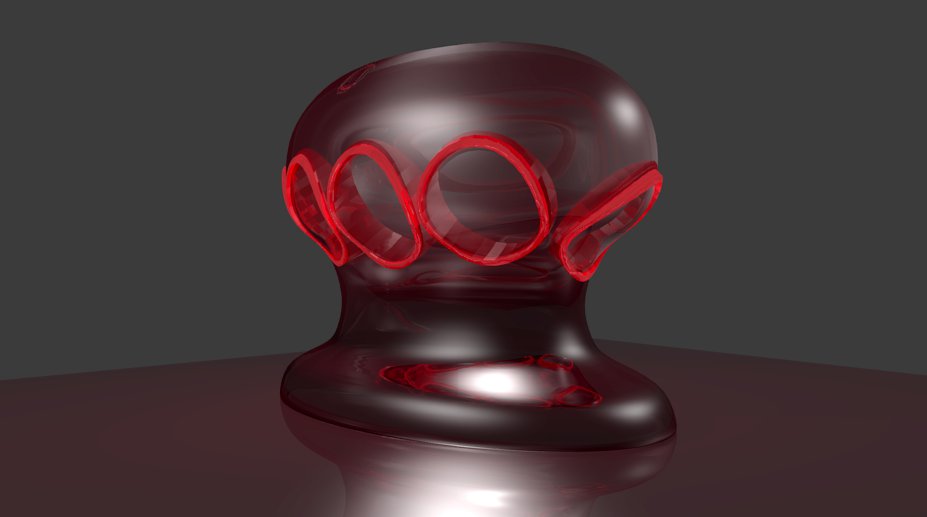
  • Pretty picture:

Phil 5.6.12

8:00 – 4:30 FP

  • More Blender.
  • Nice video tutorials: http://super3.org/blender25
  • Making reasonable progress. Between the videos and the books, this mostly makes sense.
  • Got multiple extrusions, subsurface sampling and swept surfaces working. Tomorrow I may be able to put together a mouse file after the meetings.

Phil 10.4.12

8:00 – 4:00 FP

  • Cleaning up and packing the project and hardware for move.
  • Got a new GWT in Action. and let Dong and Mike know about it
  • Hmm. There’s a thing called Restlets. Looking into that.
  • Started a throttler for the sound JSON writer.
  • Looks like I start AMPERE on the 11th. Reserved a truck for the 7th-8th. Penske reservation number is 30588476. (06/07/2012 at 8:00 AM, 8685 Washington Blvd, Penske Baltimore, Jessup, MD 20794)

Phil 5.31.12

8:00 – 4:30FP

Phil 5.30.12

7:30 – 4:30, 6:30 – 8:30 FP

  • Put together all my semester info for reimbursement.
  • Working on the tone structure for the fingers.
  • Here’s a nice chord that works:
    • thumbIO.setContactNote(52);
    • indexIO.setContactNote(55);
    • middleIO.setContactNote(60);
    • ringIO.setContactNote(64);
    • pinkyIO.setContactNote(67);
  • Adding some PC-side data throttling so that we don’t overwhelm the Arduino
    • Setting up the sandbox to play with buffer management.
  • Brought over one of the other PhD students to look at the system and see what kind of study/paper can be done with it

Phil 5.29.12

7:30 – 4:30FP

  • Adding in more sounds.
  • Looks like the contact sound is never enabled.
  • Sounds are all fixed and working. If too many characters come in, the Arduino crashes, but it seems pretty robust. I’m going to give each finger a different pitch tomorrow. For now, hit and movement sounds are off.

Interview at 10:00. Here’s hoping that I find out who it’s with and where it is before I have to leave. Yay. I have an address and contact info.

Phil 5.25.12

8:00 – 5:00 FP

  • Added set and get byte methods to DataElement.
  • Tested sounds. Things are working much better. Nice job, Tom!
  • Working through note change/on/off logic in sim – done
  • The midi boards need to have power cycled to get a reset?
  • PAD lab meeting
  • Got the collision sound working reliably. Calling it a day.
    • >>{“nm”:f1Ht,”vol”:128,”nt”:84,”instrument”:116}<< // hit
    • >>{“nm”:f1Ct,”vol”:128,”nt”:72,”instrument”:59}<< // contact
    • >>{“nm”:f1Mv,”vol”:128,”nt”:60,”instrument”:20}<< // move

10:00 phone interview

Phil 5.24.12

8:00 – 9:30, 2:30-4:00 FP

  • Probably going to take a few hours to go to Salisbury today. Tom needs the time to make the electronics work anyway.
  • Adding the note on/off code to SoundWrapper
    • Use pitch to set up note changes
    • If a new note comes in (either as a new note or from pitch), then we need to turn the old not off, then add a new JSON string that turns the new note on.
    • Start thinking about polyphony.

Phil 5.23.12

8:00 – 4:00 FP

  • Back from the mini-vacation, which was fine until it became horrible.
  • Working with Tom on getting sounds to behave. It turns out that a single channel/instrument can be polyphonic, which is very cool, but it means that you have to turn a note on and off. I adjusted the SoundDataObject.update() method so that a JSON element of {"nt":72} will play middle C, while {"nt":-72} will turn it off. Setting {"nt":0} will trigger a reset of the Midi for that finger. Or at least it should. Reset isn’t working. Tom thinks it may be a mislabeled pin.
  • Cool thing for the day: https://live.leapmotion.com/. It strikes me that the Leap could be used as the basis for a finger chasing robot.